
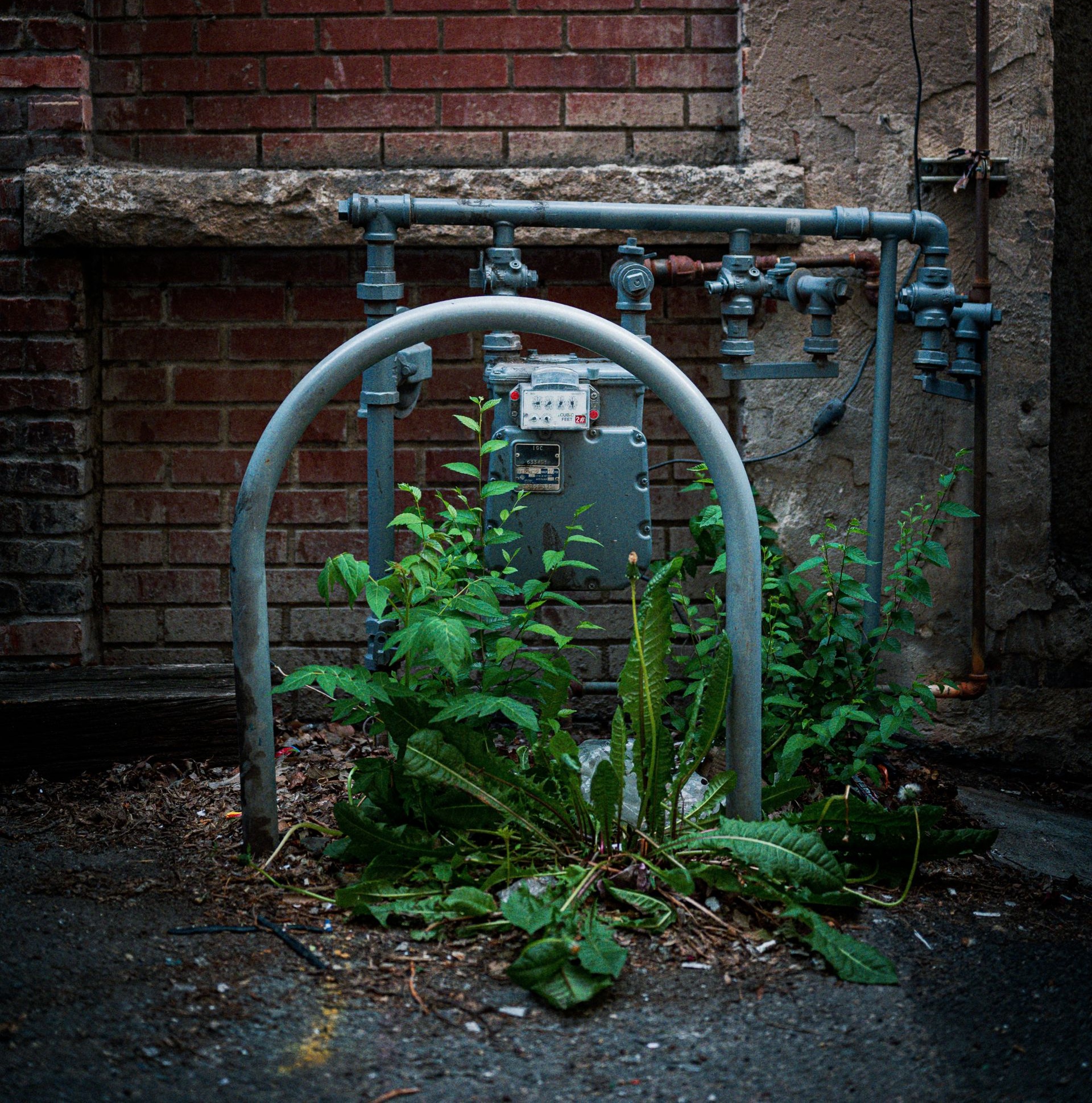
About gas meters
In many cities and towns in Ontario, residential and commercial buildings have natural gas piped directly to the building. In my area in Ontario, the utility supplying natural gas is Enbridge. Each building that gets natural gas as a utility is equipped with one or more gas meters that read the consumption of gas by volume (e.g. cubic meters). Someone working with the utility either comes by to read the meter periodically or does an estimate based on historical data to bill you.
Other than telling the utility how much to charge the end user for gas, the gas meter also allows technicians to measure the firing rate of a gas appliance by monitoring how much gas it consumes during a period of time. Getting this reading is colloquially called “clocking the meter,” where a gas technician will watch one of the moving dials and time how long it takes to make a full revolution.
The formula for measuring appliance input
To measure an appliance’s input (in BTUH), usually the technician will count the number of seconds it takes for the test dial to complete a revolution. They will do this 3 times and then use the average of 3 revolutions in their calculation. For example, if it takes 20.5 seconds, 21.2 seconds, and 21.5 seconds, they’ll get the average, which is 21.067 seconds (or 21.1). The main parts of this formula are as follows:
- Input, measured in BTUH (British Thermal Units per hour)
- The number of seconds in an hour
- The volume of gas that goes through the meter, per hour (in cubic metres or cubic feet)
- The calorific value of the fuel (1000 for natural gas, or 2520 for propane, in BTU/ft3)
- The test dial value (e.g. 0.01m3)
- The imperial-to-metric conversion if your gas meter is in cubic metres instead of cubic feet, which is the case in Ontario
This is the formula used for metric gas meters:
$$\text{BTUH} = \frac{\text{Seconds/hour} \times \text{Test Dial (m}^3\text{/revolution)} \times \text{Calorific Value (BTU/m}^3\text{)} \times 35.315}{\text{Seconds per revolution}}$$
Here is an example with values plugged in:
$$\text{BTUH} = \frac{3600 \times 0.01 \times 1000 \times 35.315}{22}$$
Let’s go through each of these:
- BTUH: The value we’re trying to solve for. When measuring the firing rate of an appliance, this should be close to its input as stated on the appliance rating plate. Some appliances have “low fire” and “high fire” modes, like 2-stage furnaces. In this case, you’ll see two values—one for input in LO, and one for input in HI. To get an accurate reading for these appliances, it’s a good idea to clock it in each firing mode.
- 3600: This is the number of seconds in an hour
- 0.01: This is the test dial (0.01m3)
- 1000: The calorific value of natural gas
- 35.315: The multiplier required to convert volume conversions from cubic feet to cubic metres
This should get us a value of BTUH = 57,788.
$$\text{BTUH} = \frac{1,271,340}{22}$$
$$\text{BTUH} = 57,788$$
Gas meter test dials
Gas meter test dials can come in various units including cubic metres, cubic feet, or cubic decimetres. When working with cubic feet, you omit the 35.315 in the above formula as it’s only used for metric gas meters.
Analogue and digital test dials
Most gas meters in established cities in Ontario will have analogue test dials.
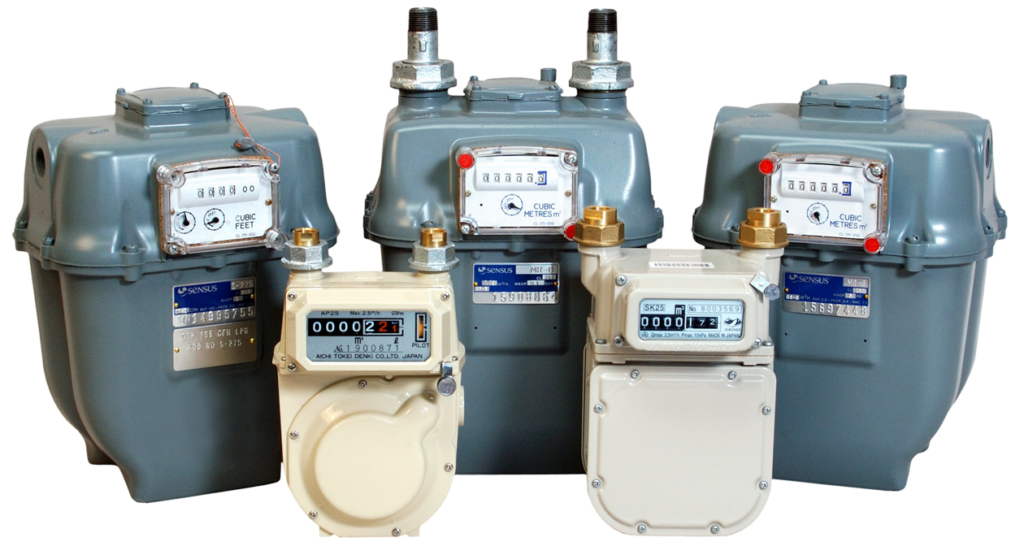
Metric and imperial gas meters
As development progresses and new gas meters get installed, or older gas meters get replaced, these new installations are usually gas meters that have digital displays. These gas meters with digital displays don’t include mechanical test dials. Instead, they require you to know how to use the menu functions in order to read the gas consumption.
So far during my studies, I have only clocked the meter on gas meters with analogue test dials, so I can’t speak to the digital ones yet, but a bit of research tells me that they may require a magnet to lock into a menu to monitor a specific menu screen. I have, however, seen them in the wild. Below is a gas meter with a digital display for a new commercial development in Ontario.
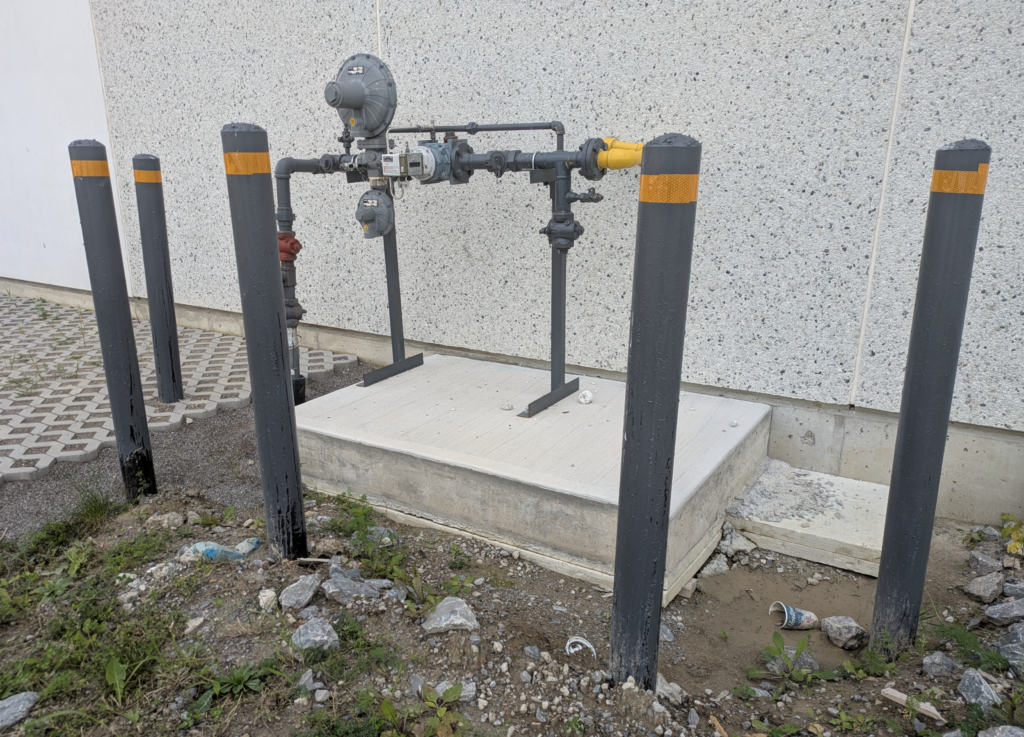
Gas meter for a commercial property in Ontario
Clocking the meter on your phone
Using default apps
Once upon a time, teachers would tell their students “you won’t have a calculator in your pocket so you need to learn how to do mental math.” While this is valuable advice and being able to do mental math is a valuable skill, that’s no longer true. We all have smart phones which include various apps that can help us:
- Clock: The clock apps on iOS and Android have a Stopwatch tab that will help us with clocking the meter. We can use the Lap button for each revolution as we watch 3 revolutions.
- Calculator: Once we’ve got the 3 laps from the Clock app, we can switch to the calculator app to perform the following calculations:
- Find the average of the 3 laps we just tracked:
- Sum: $19+20+21=60$
- Average: $60\div3=20$
- Get the top part of the fraction: $3,600 \times 1,000 \times 0.01 \times 35.315$
- Divide that by the average seconds per revolution: $1,271,340 \div 20 = 63,567$
- Find the average of the 3 laps we just tracked:
Using a specialized app
You may notice that using the default apps means you have to switch between the 2 apps and tap quite a few buttons and remember quite a few things.
You may also notice that the stopwatch will stay open in your phone’s notifications, in case you want to resume the stopwatch.
This extra work, more context switching, and the stopwatch staying open in my notifications bugged me, so I developed a web app that allows me to use my time and effort more efficiently while clocking the meter (not including the time it took to actually develop the web app… 😅)
I’m sure there are other apps out there, but the majority of gas-related things I find are US-based, so I wanted to make my own. If you are interested in using it, you can see it here: https://clock-the-meter.pages.dev
The app currently only supports meters that use test dials in 0.01m3 and 10dm3 (which is the same value in the formula). It also uses your browser’s local storage to store previous records, so if you clear your cookies and other site data, this will be deleted. If you use this, keep results written elsewhere in proper software and verify all inputs and outputs with methods recommended by your employer. This app is for entertainment purposes only and I’m not responsible for any damages caused by your usage of it.
Below are some screenshots.
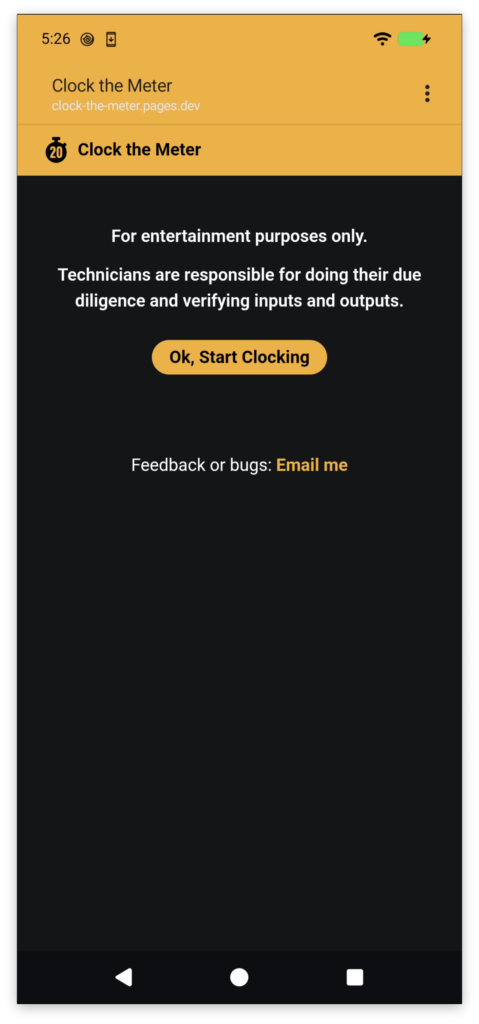
Main screen, initial state
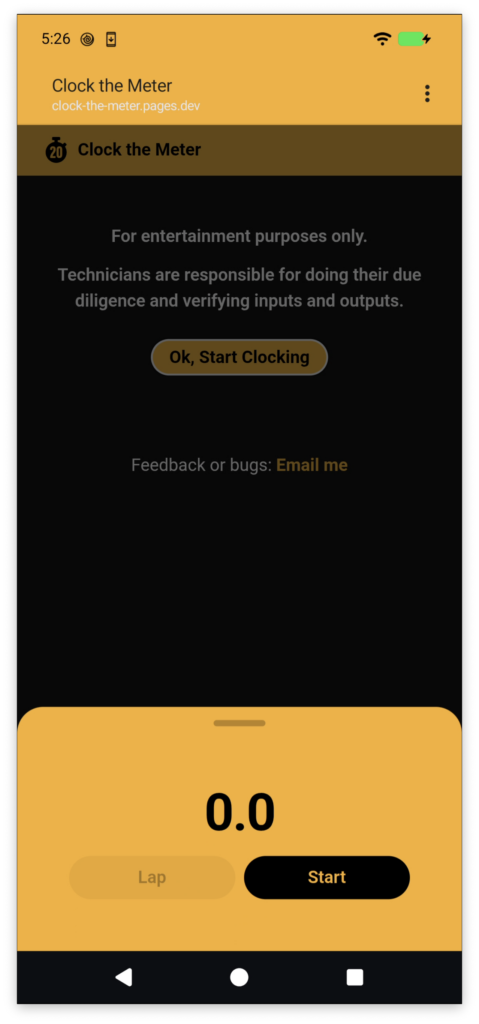
Main screen, open bottom sheet with stopwatch
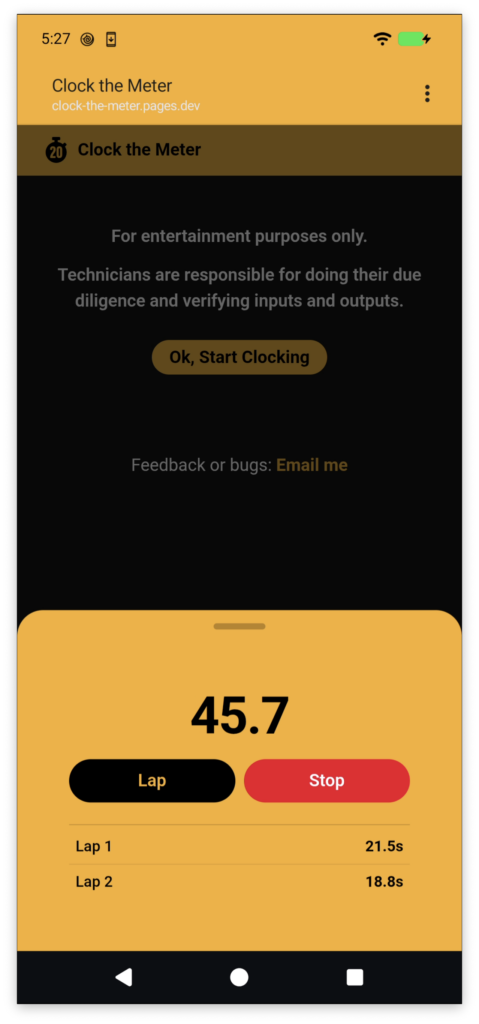
Stopwatch view
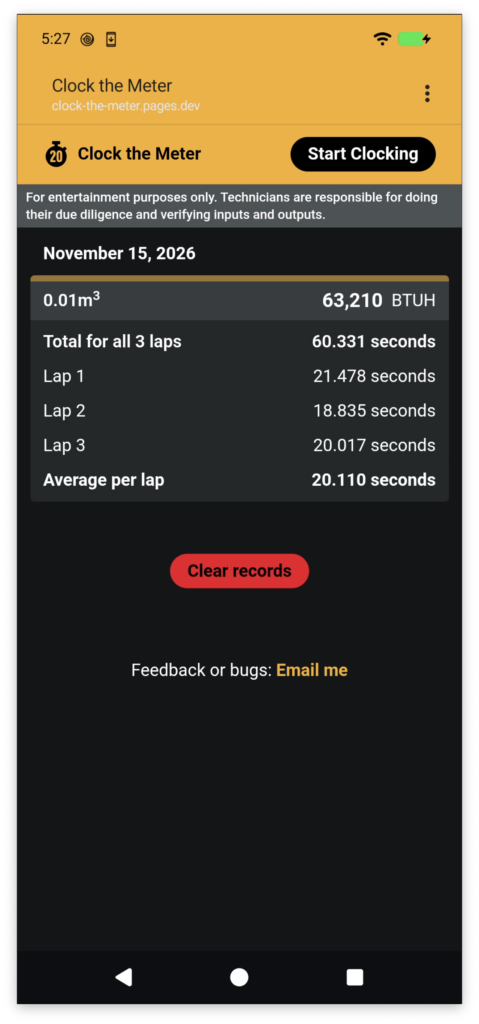
Main view with clocking records added
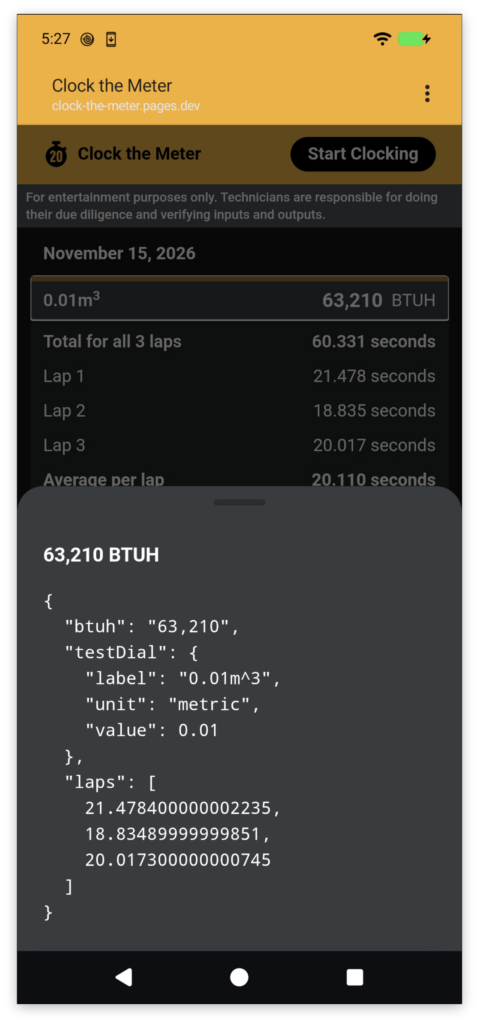
Clocking record detail view (raw data)
For quick access, I’ve used Chrome on Android and Mobile Safari on iOS to add the app to my home screen.
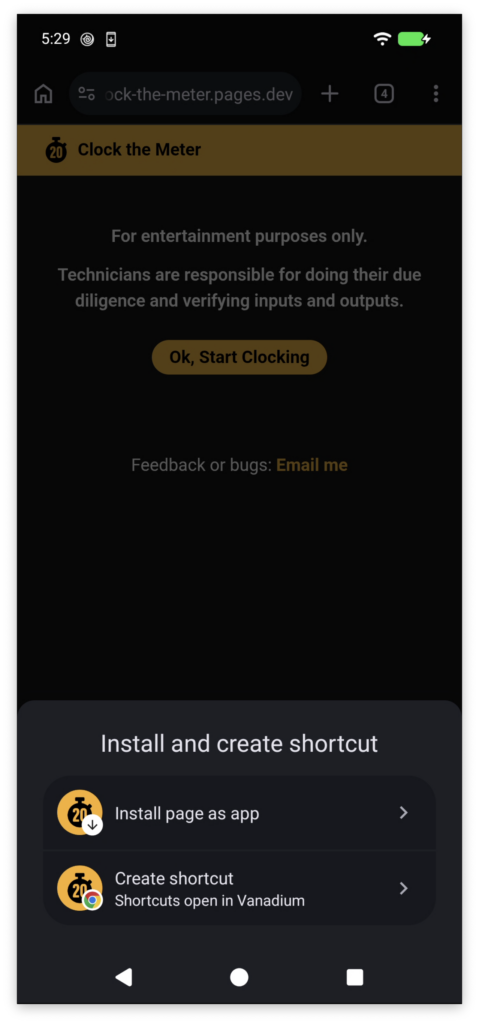
Chrome on Android, install a web page as an app
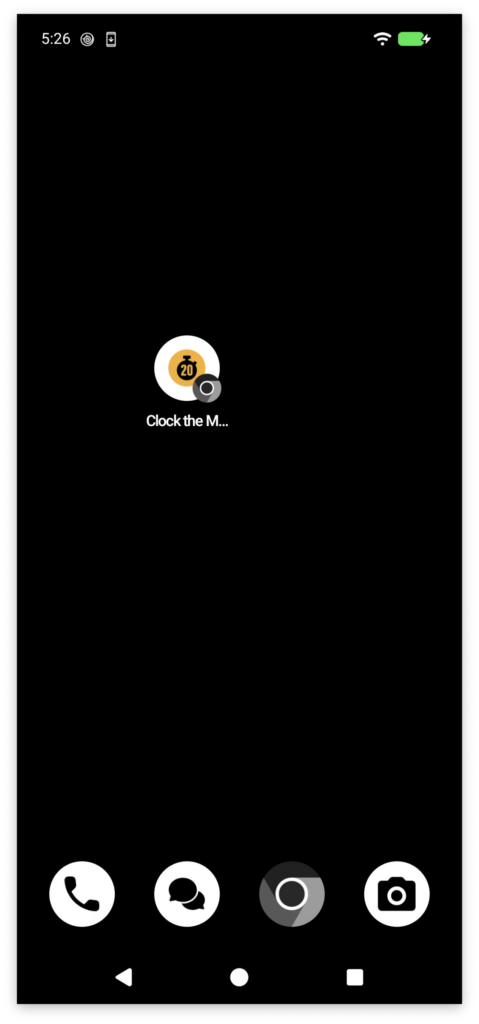
Web page installed as an app on Android (GrapheneOS)
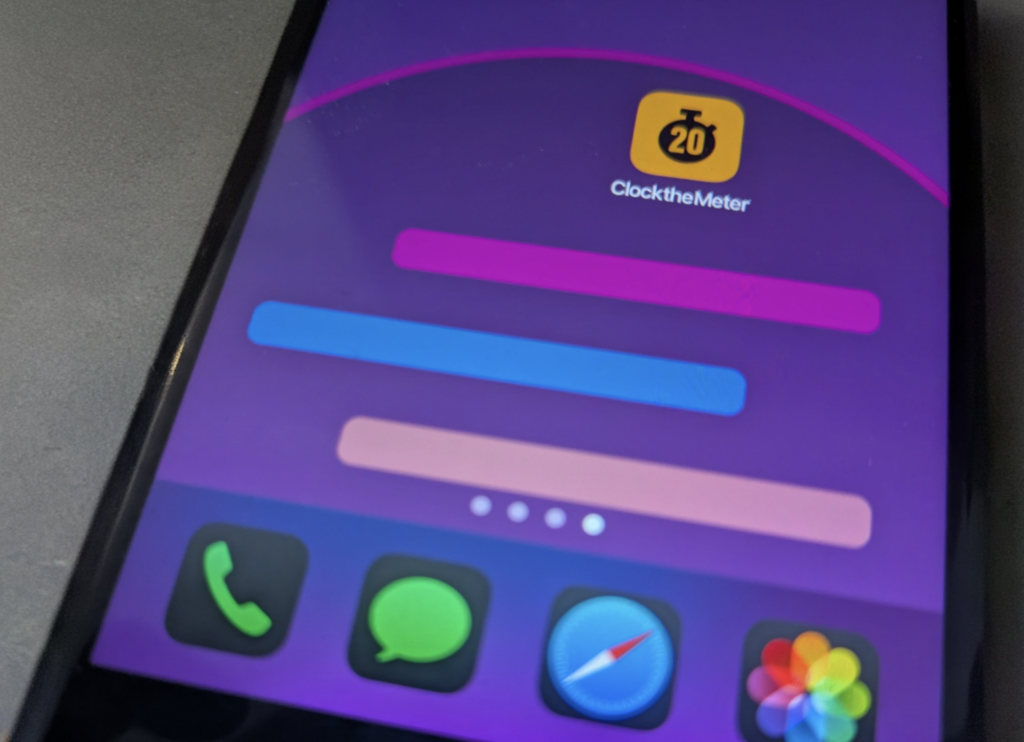
Web page installed as an app on iOS